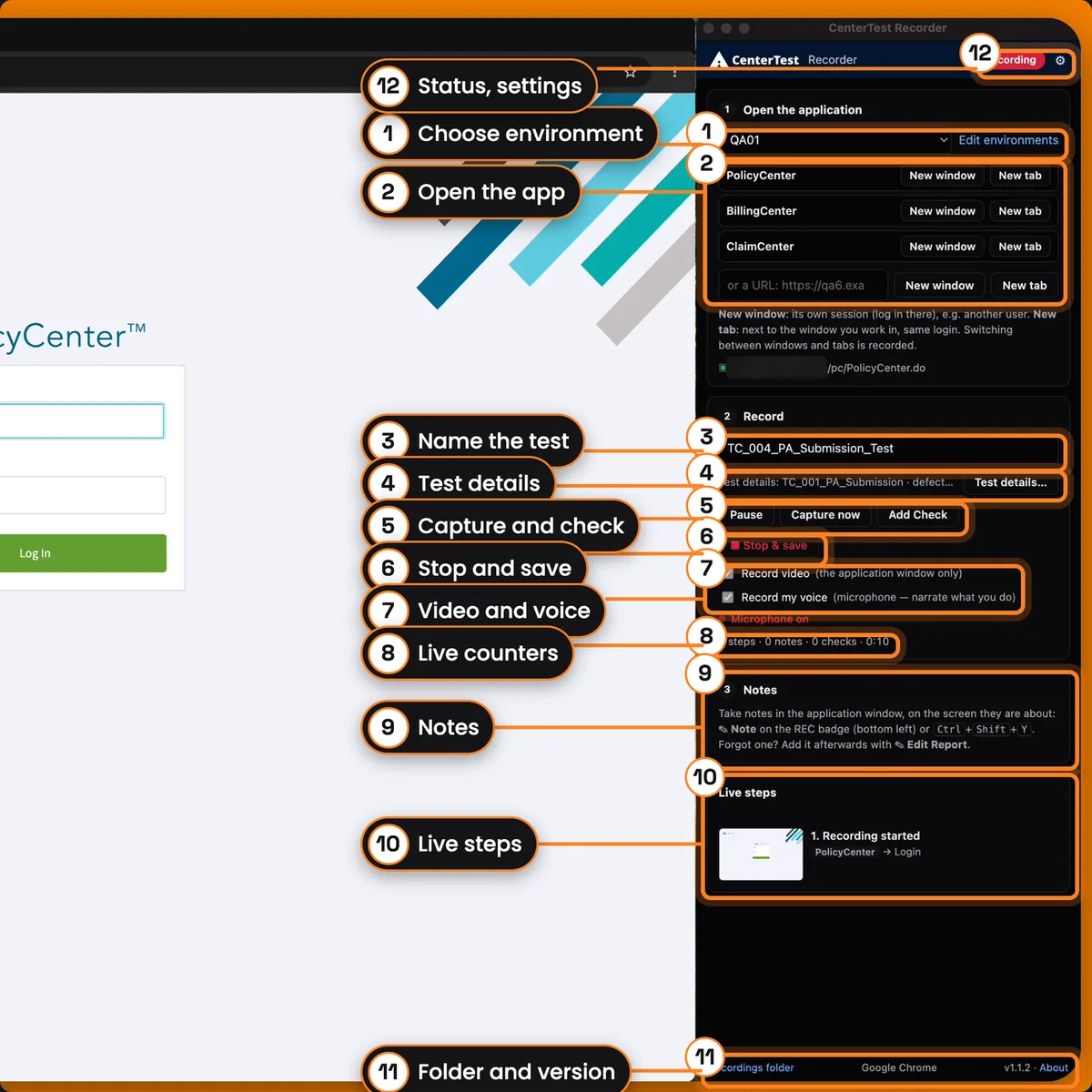
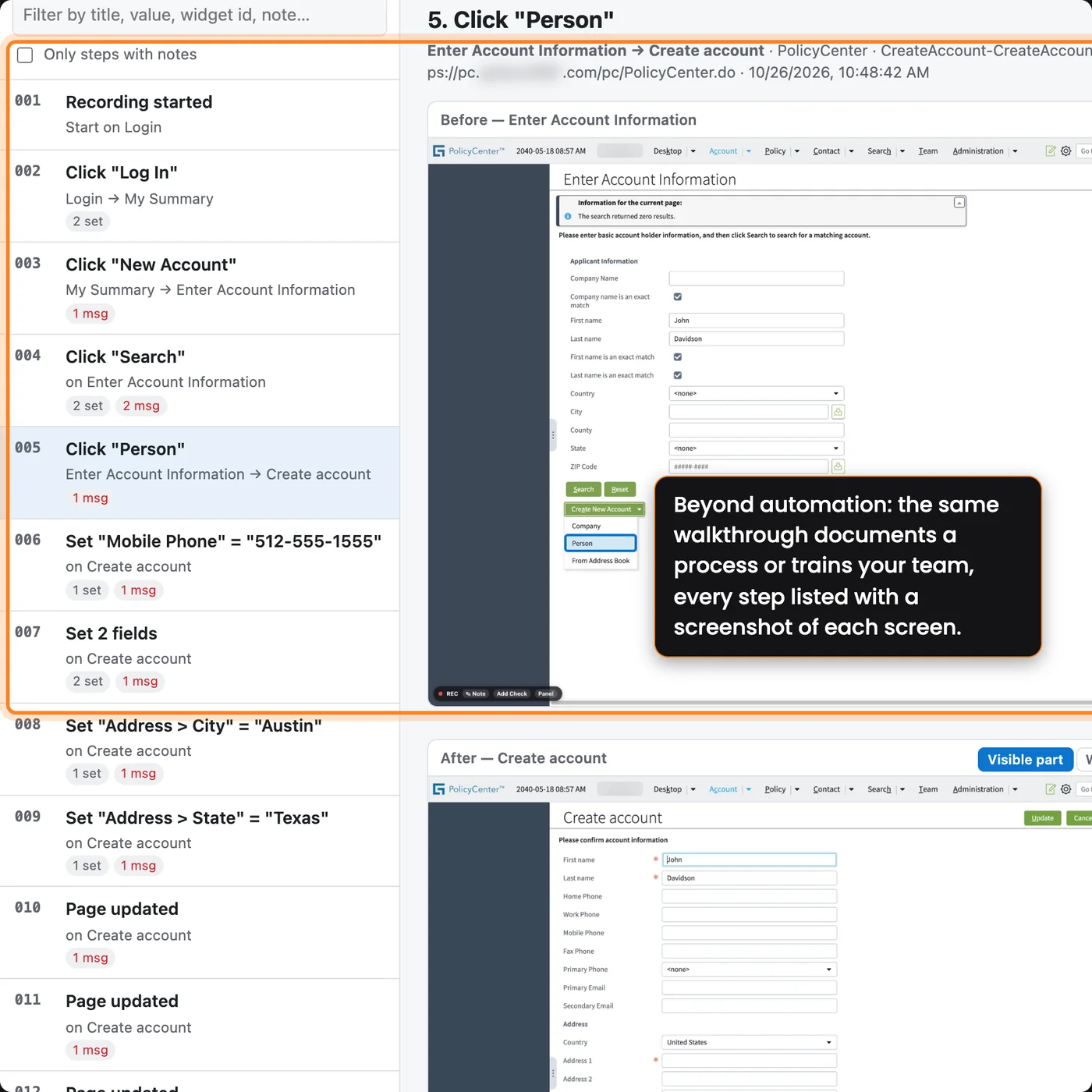
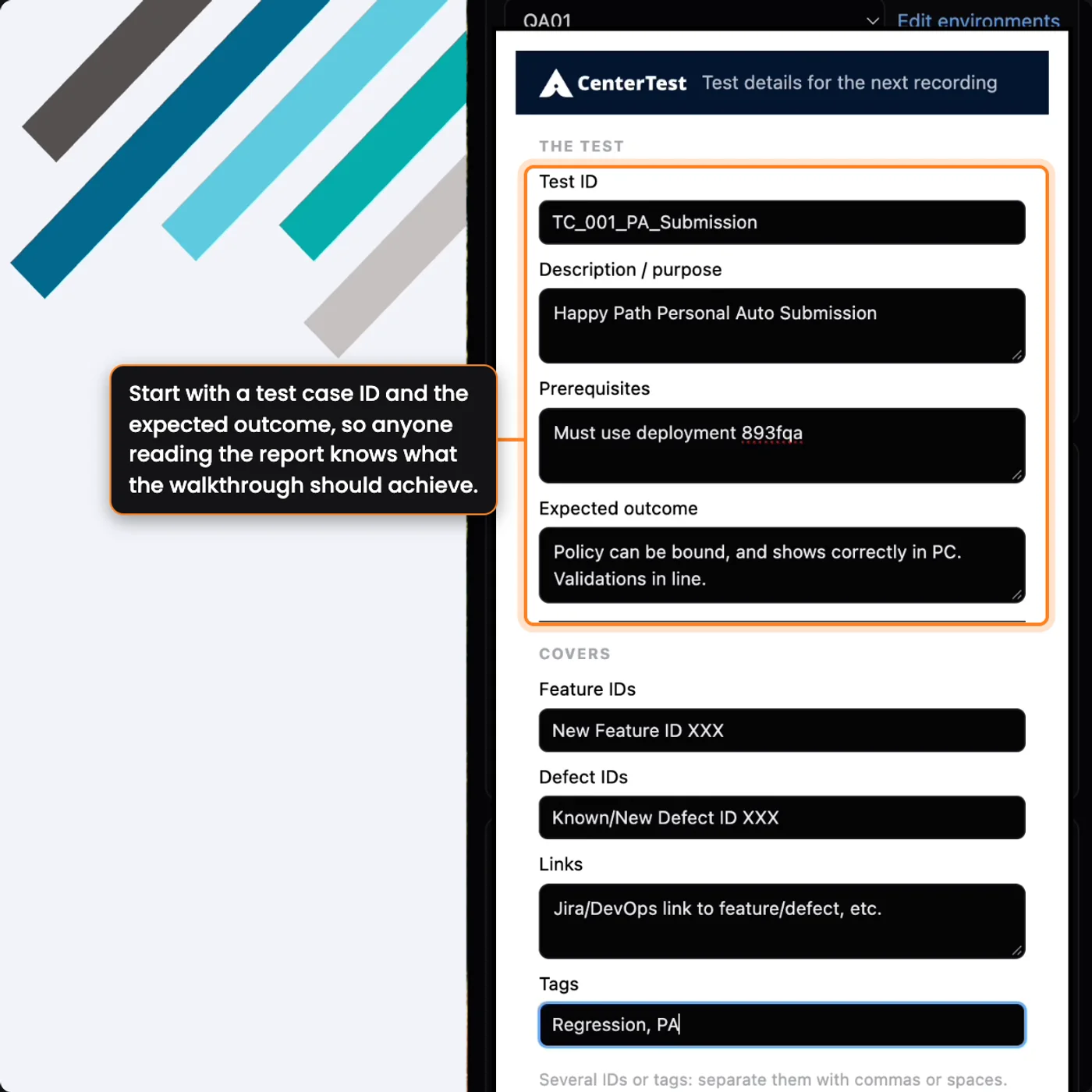
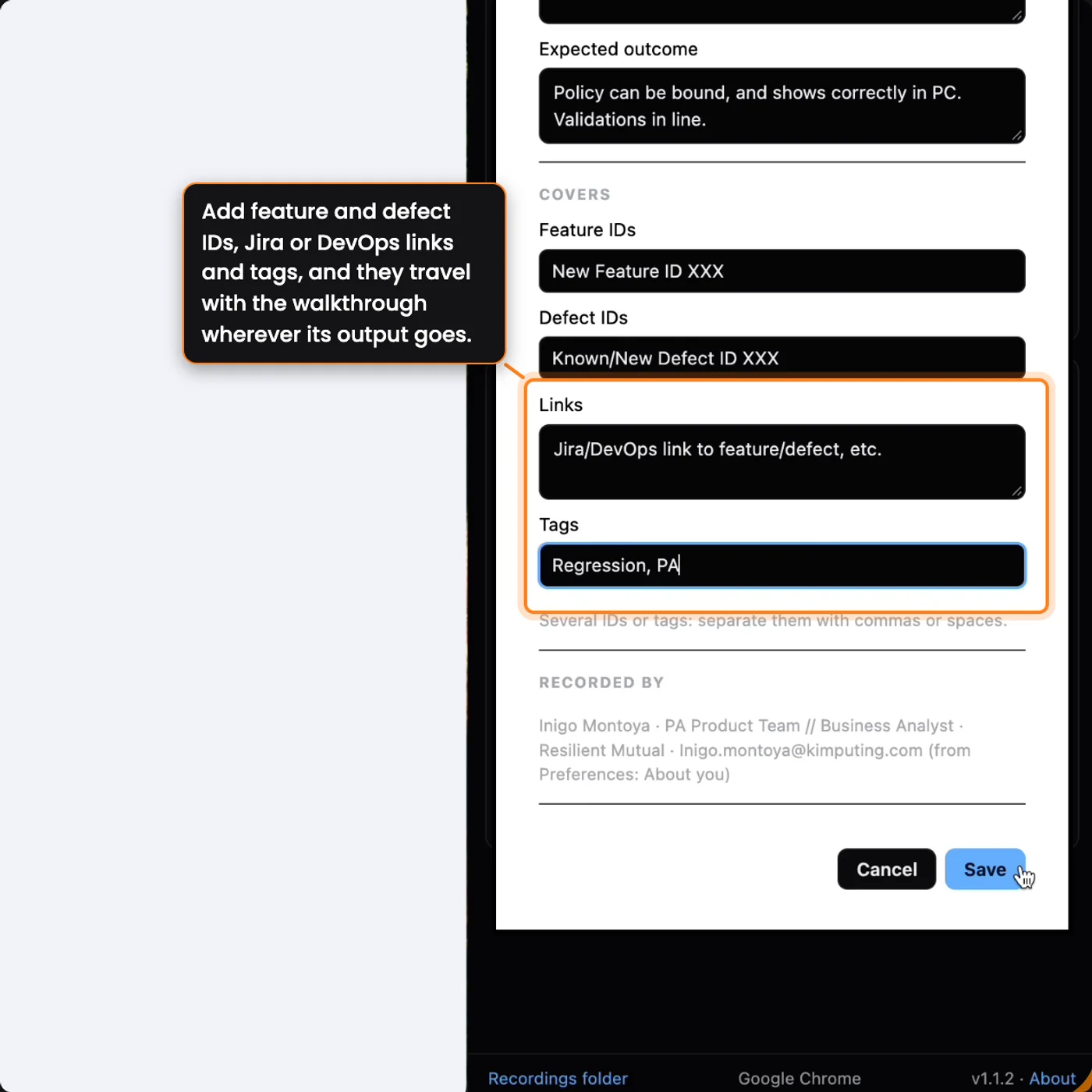
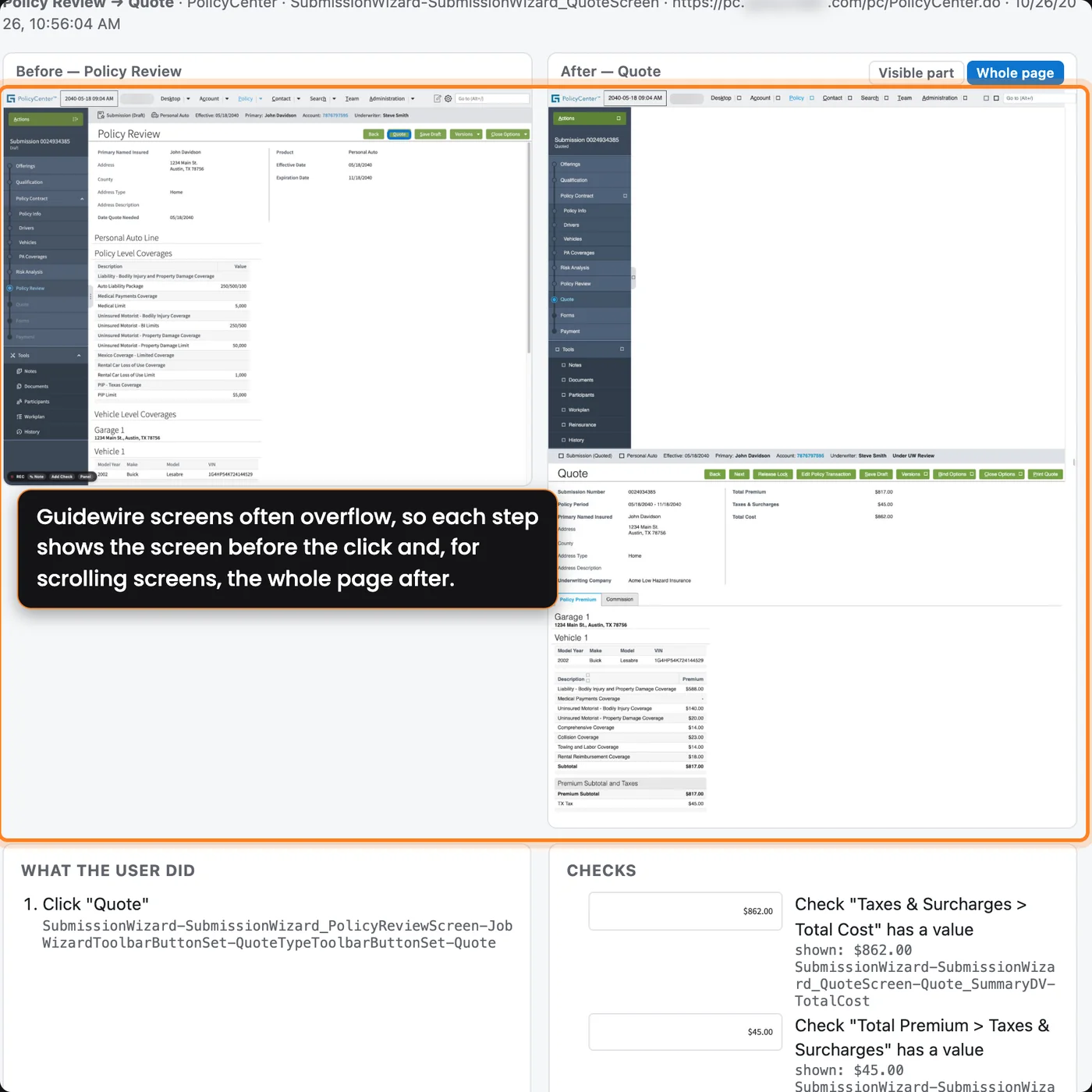
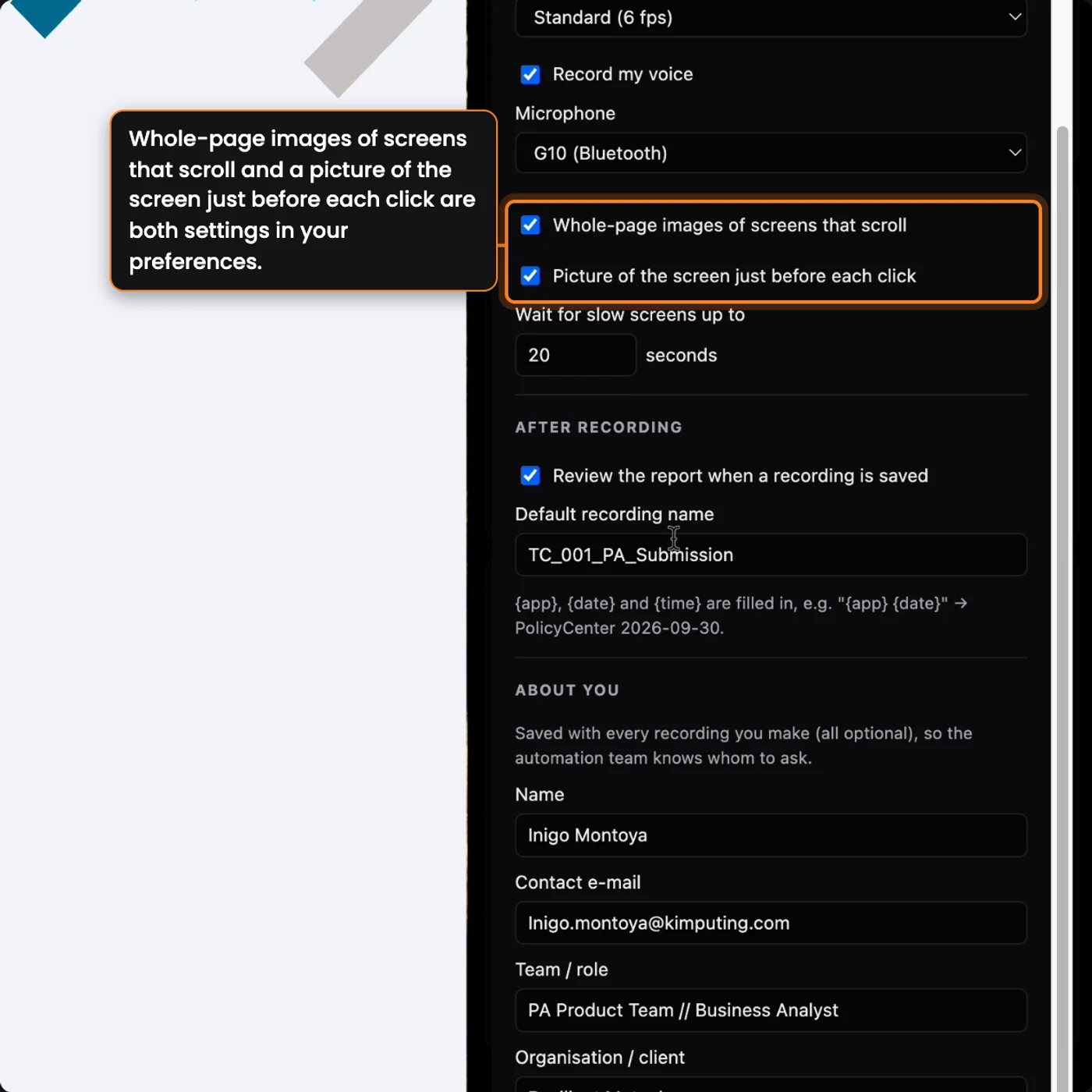
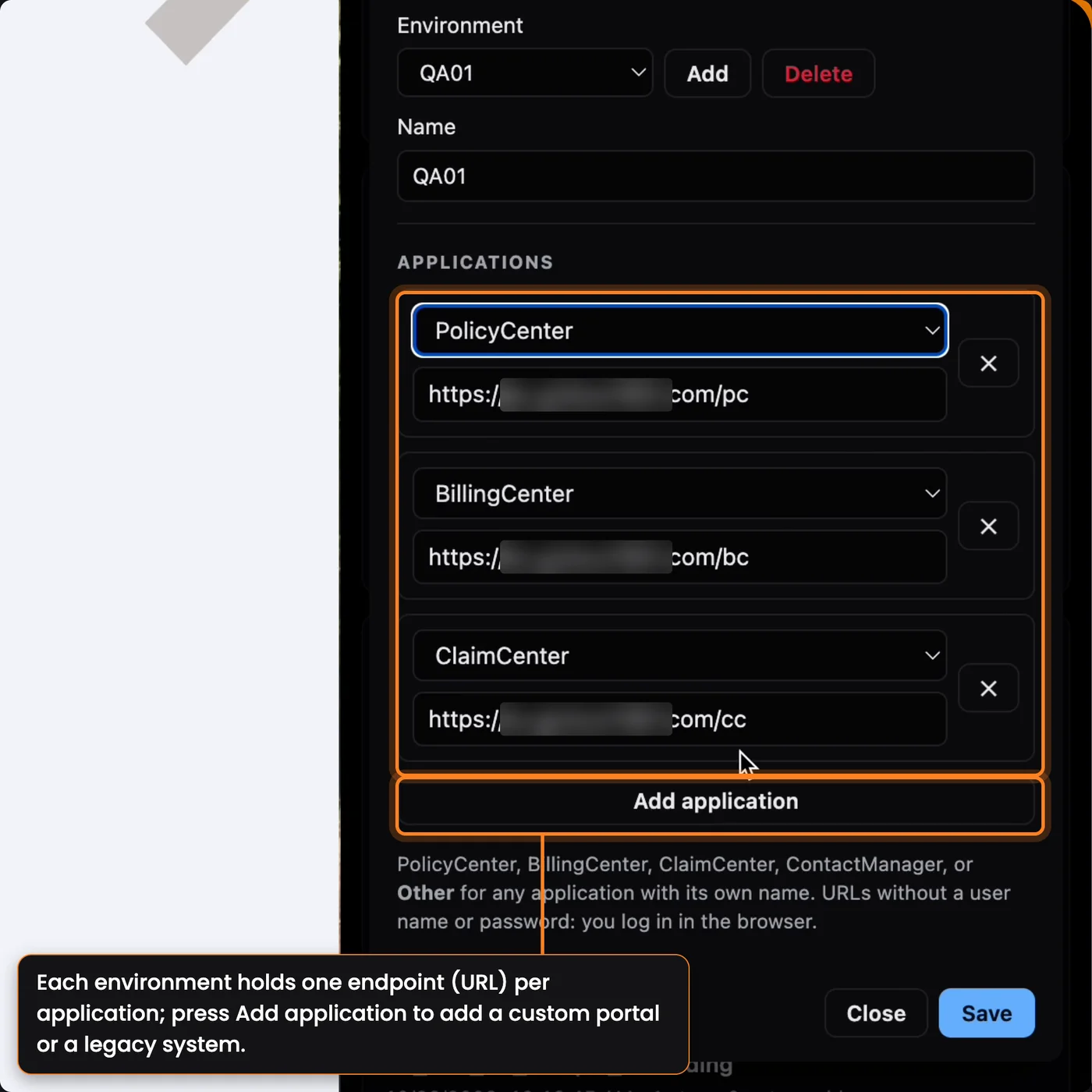
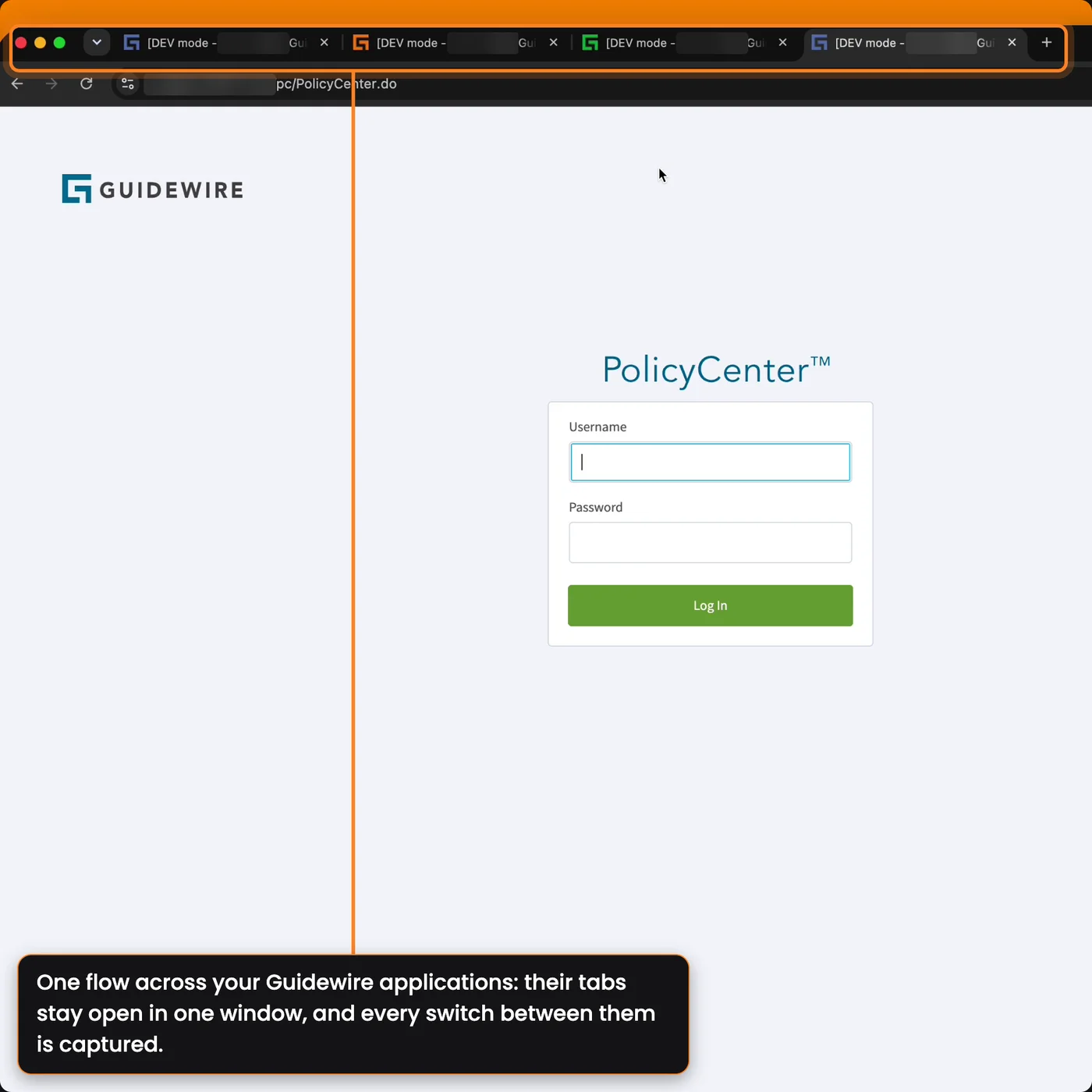
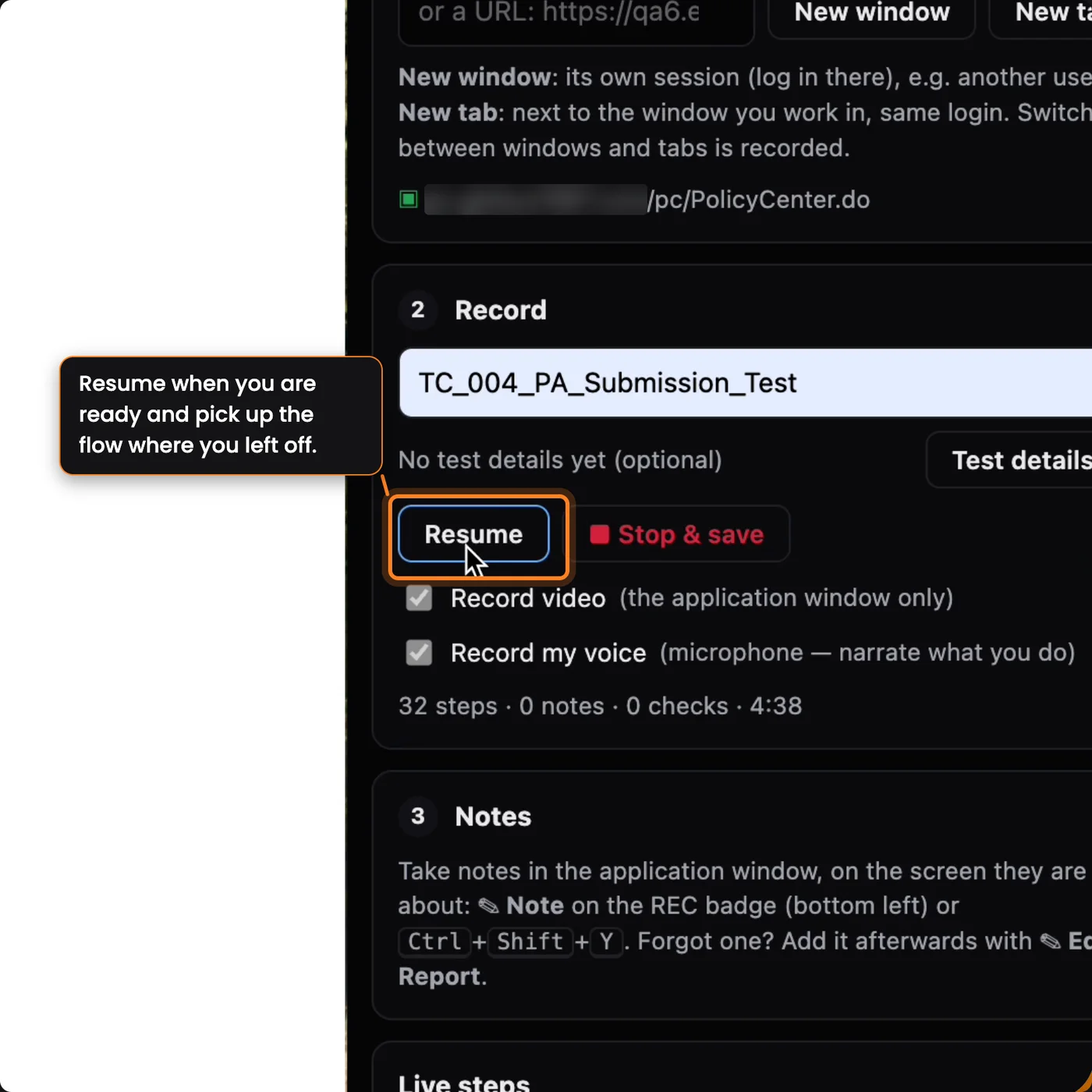
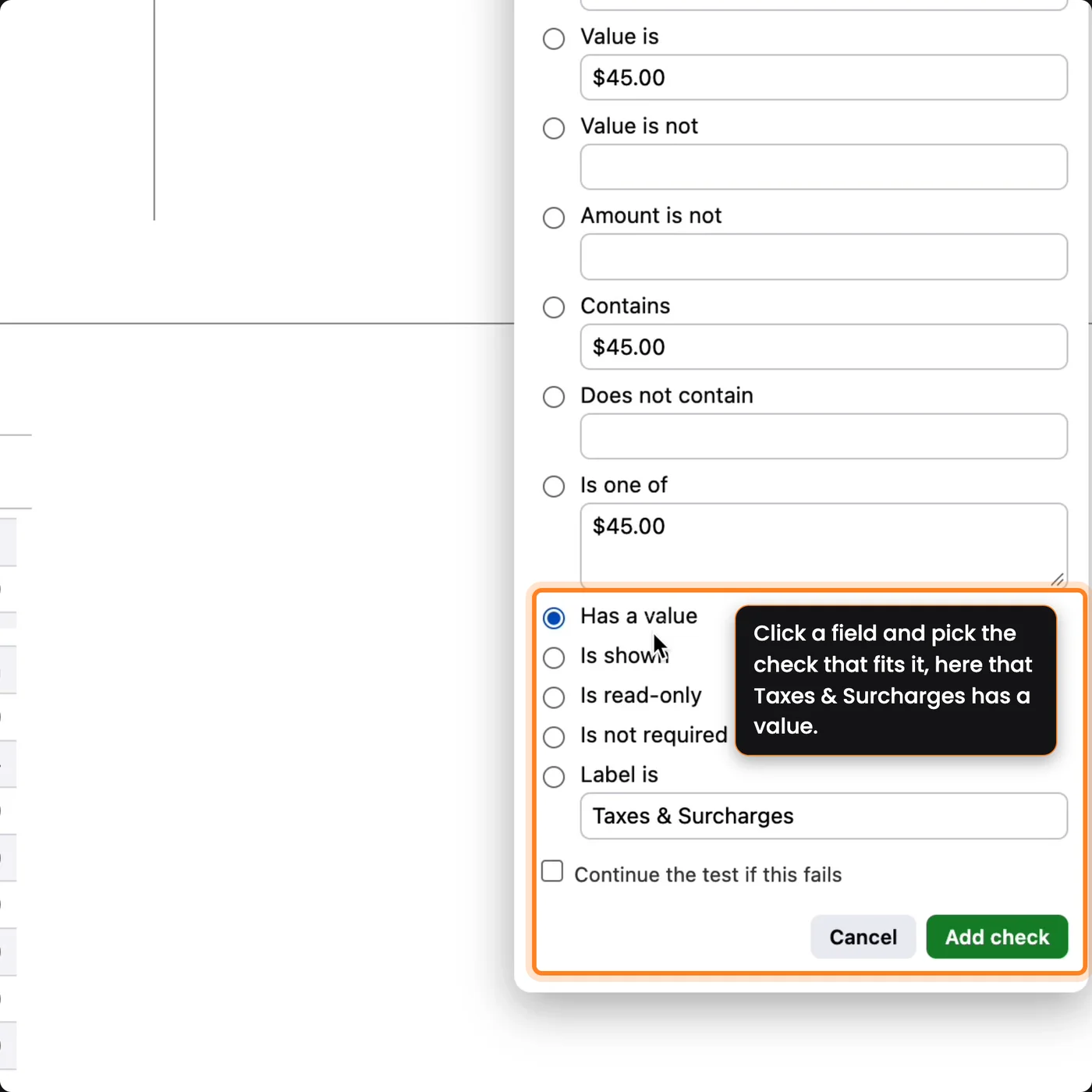
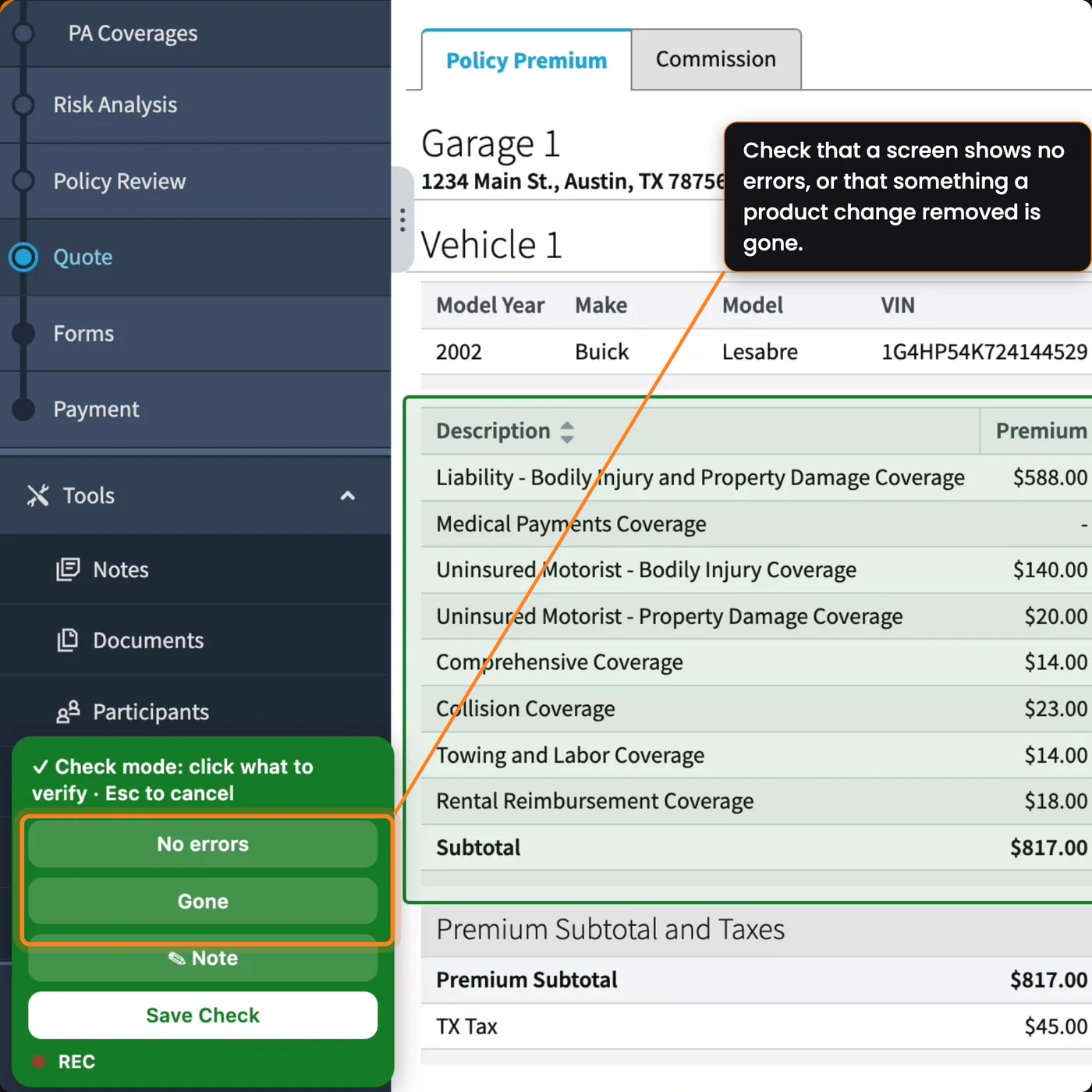
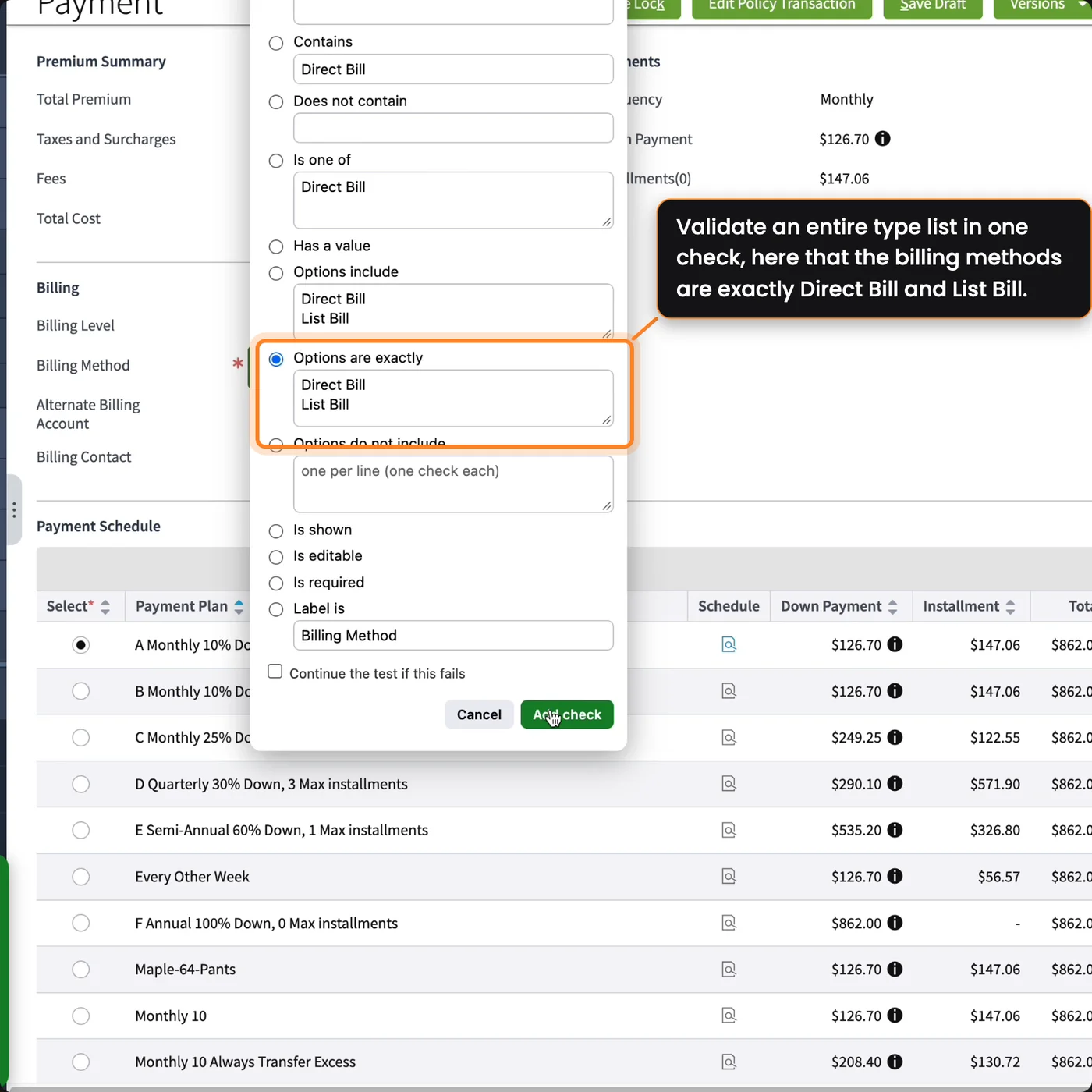
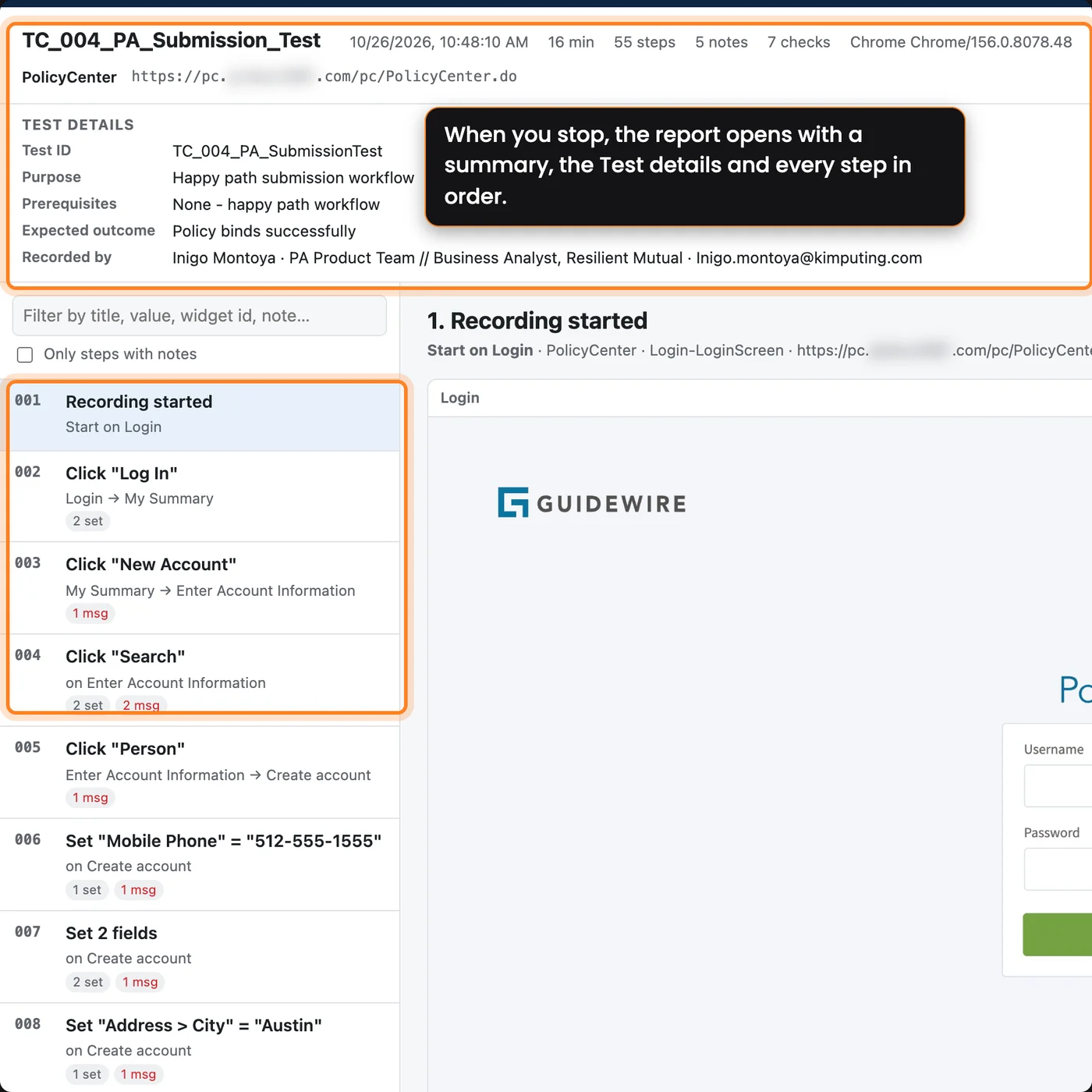
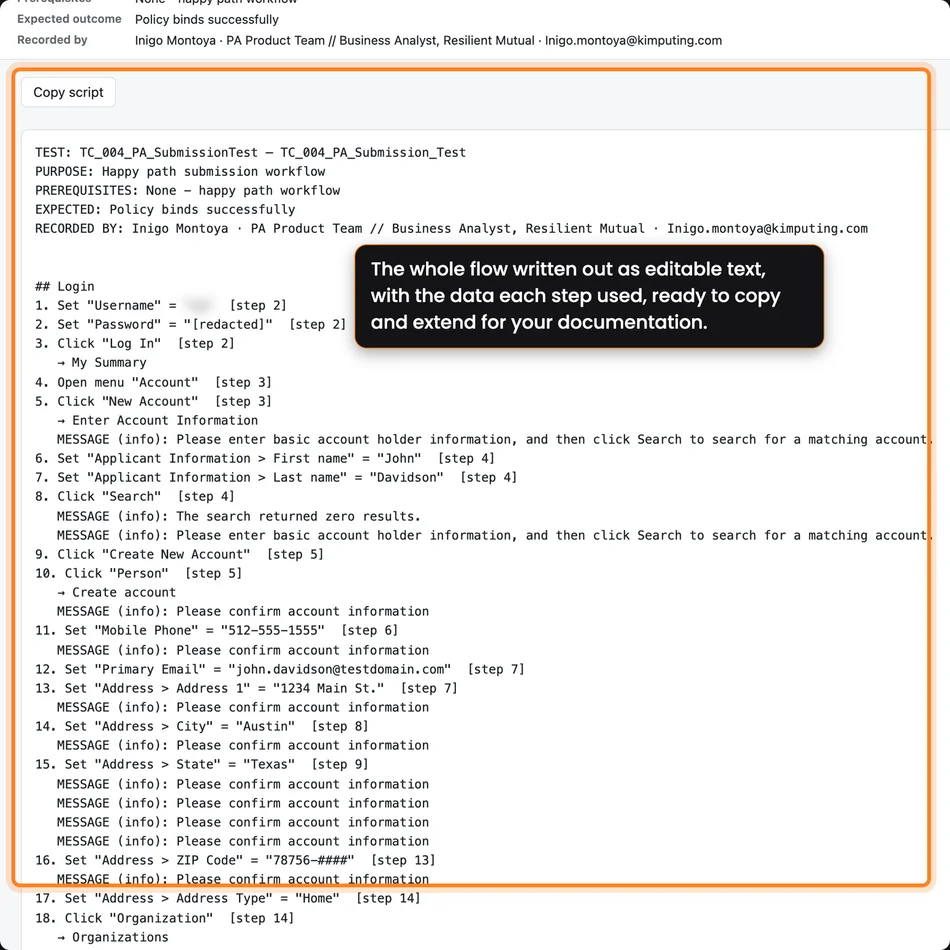
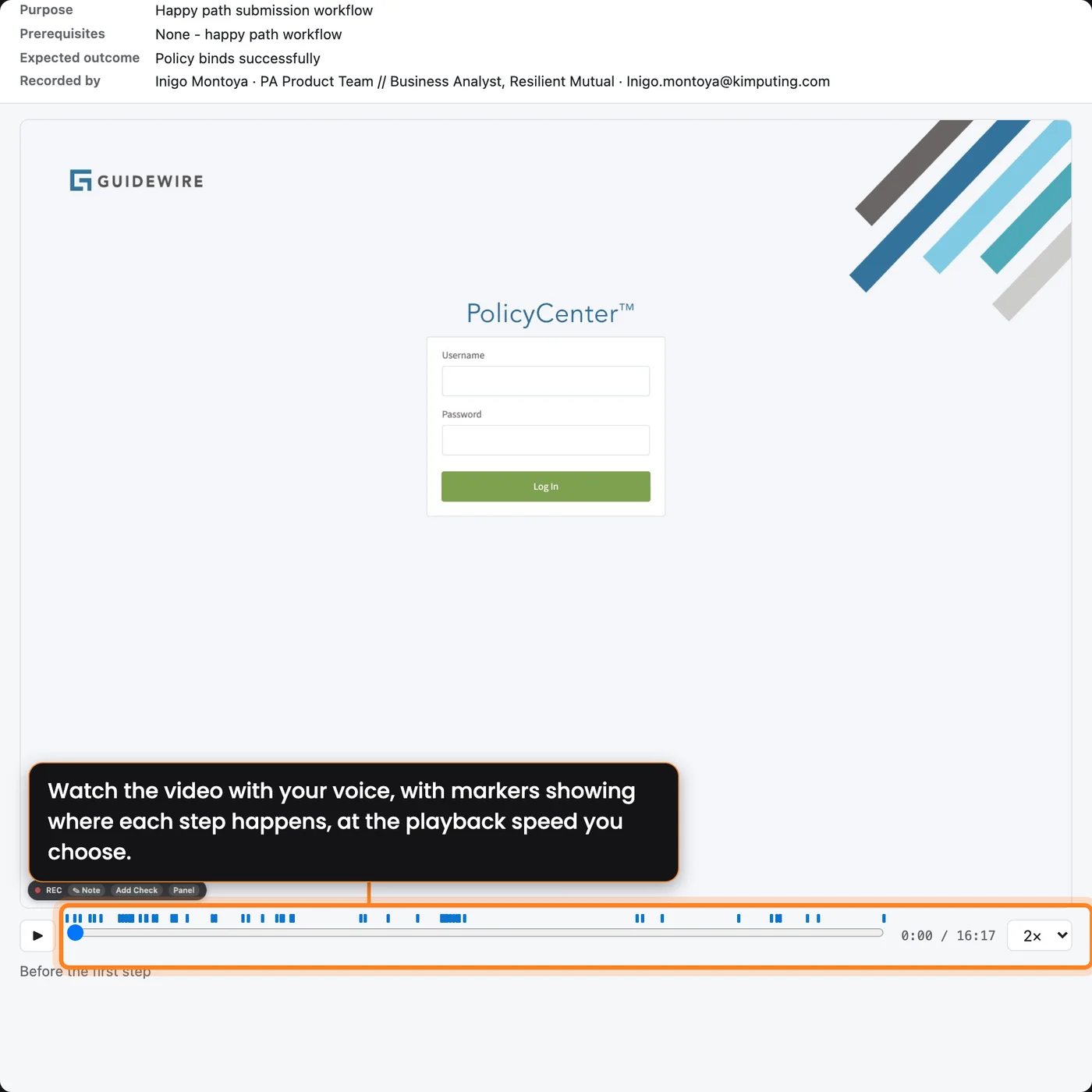
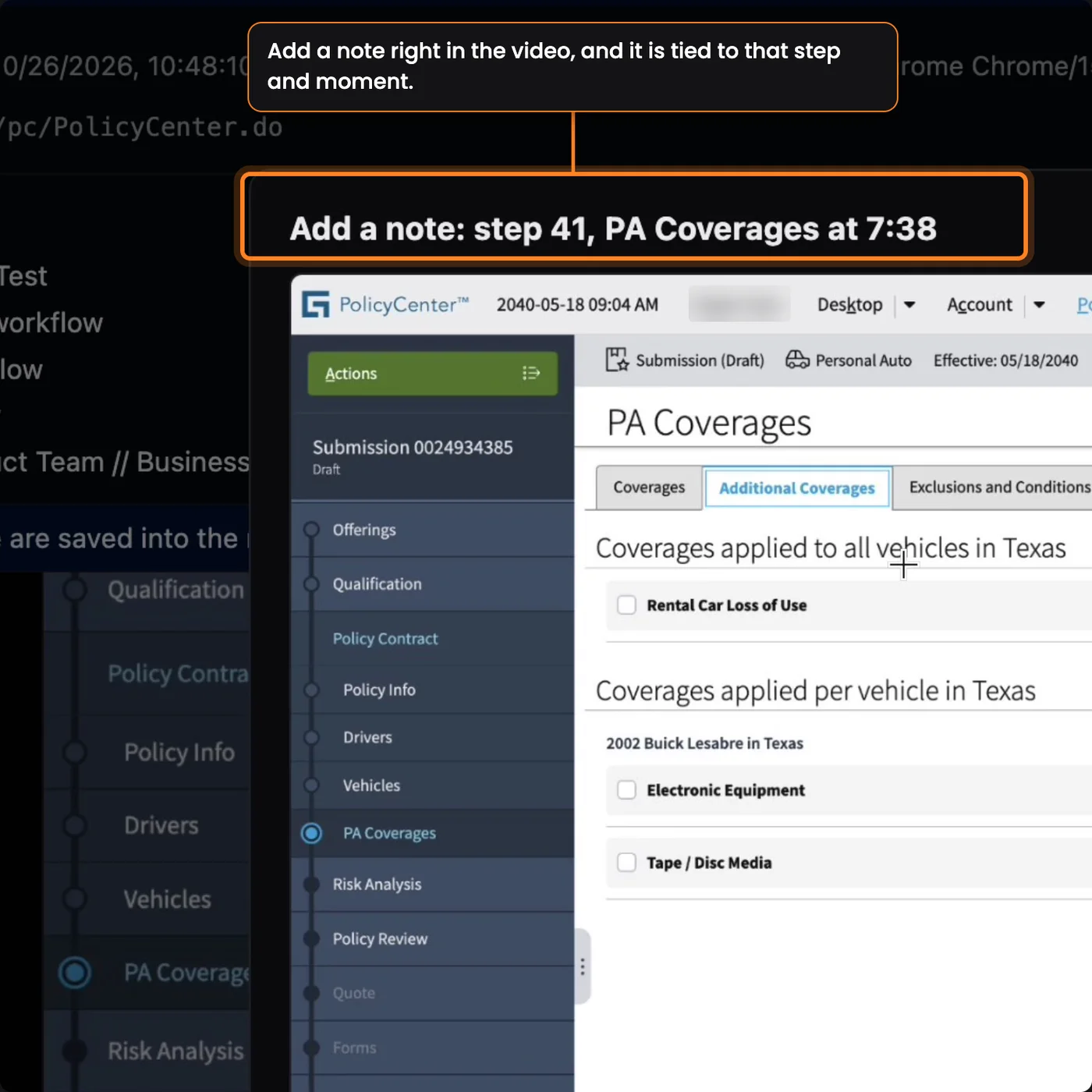
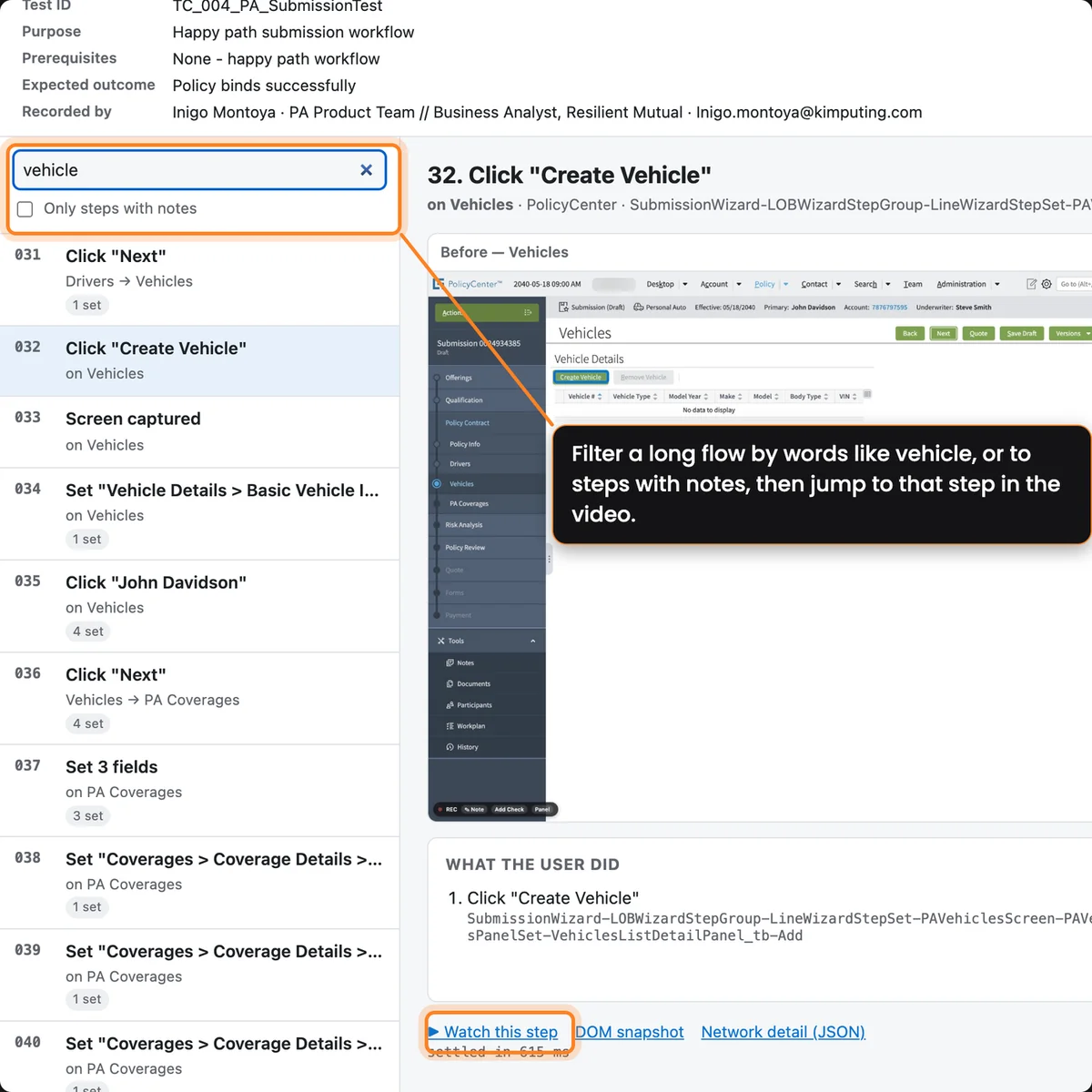
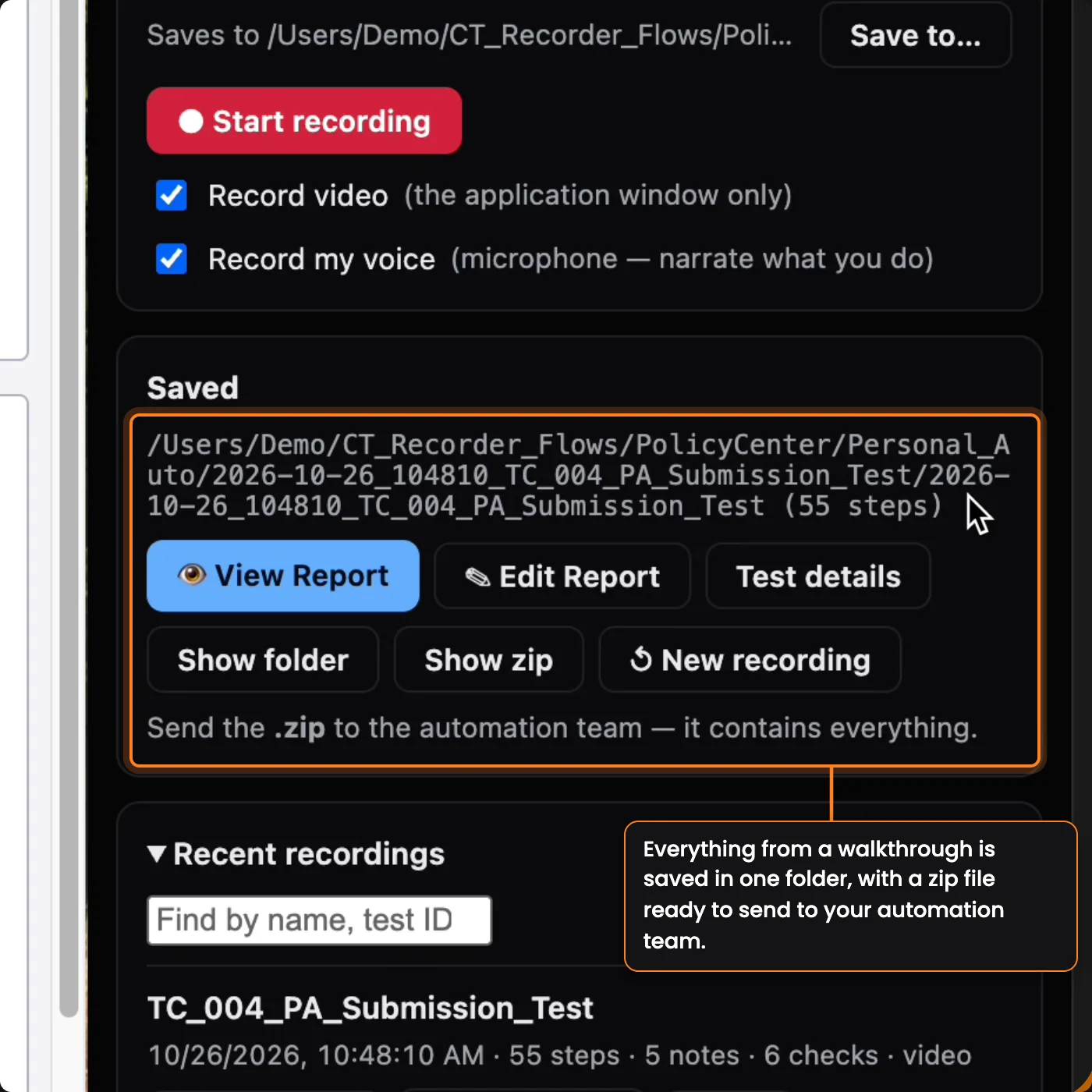
Add the test case ID, its purpose, prerequisites, and expected outcome once, and they travel with the walkthrough from the first capture to the finished scenario.
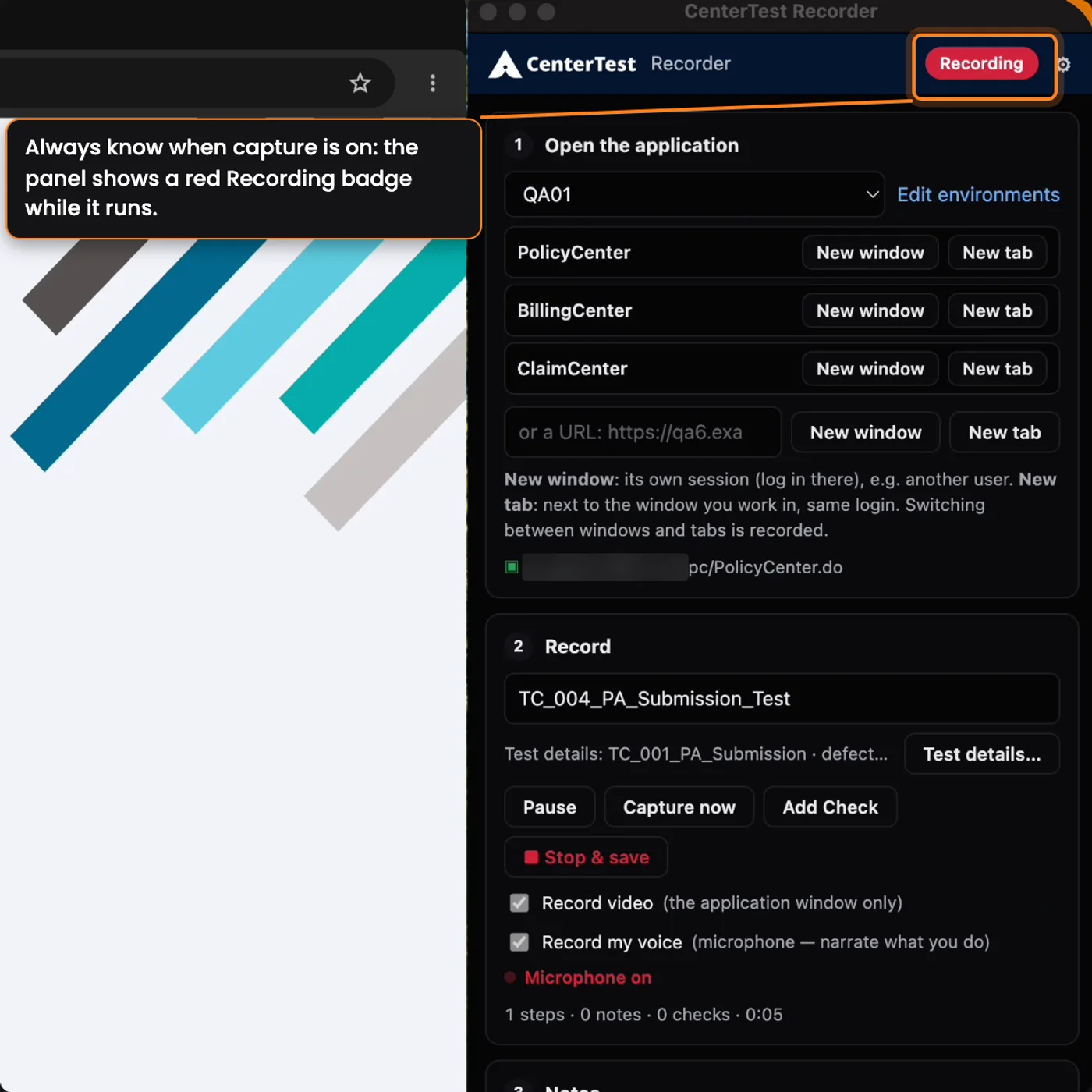
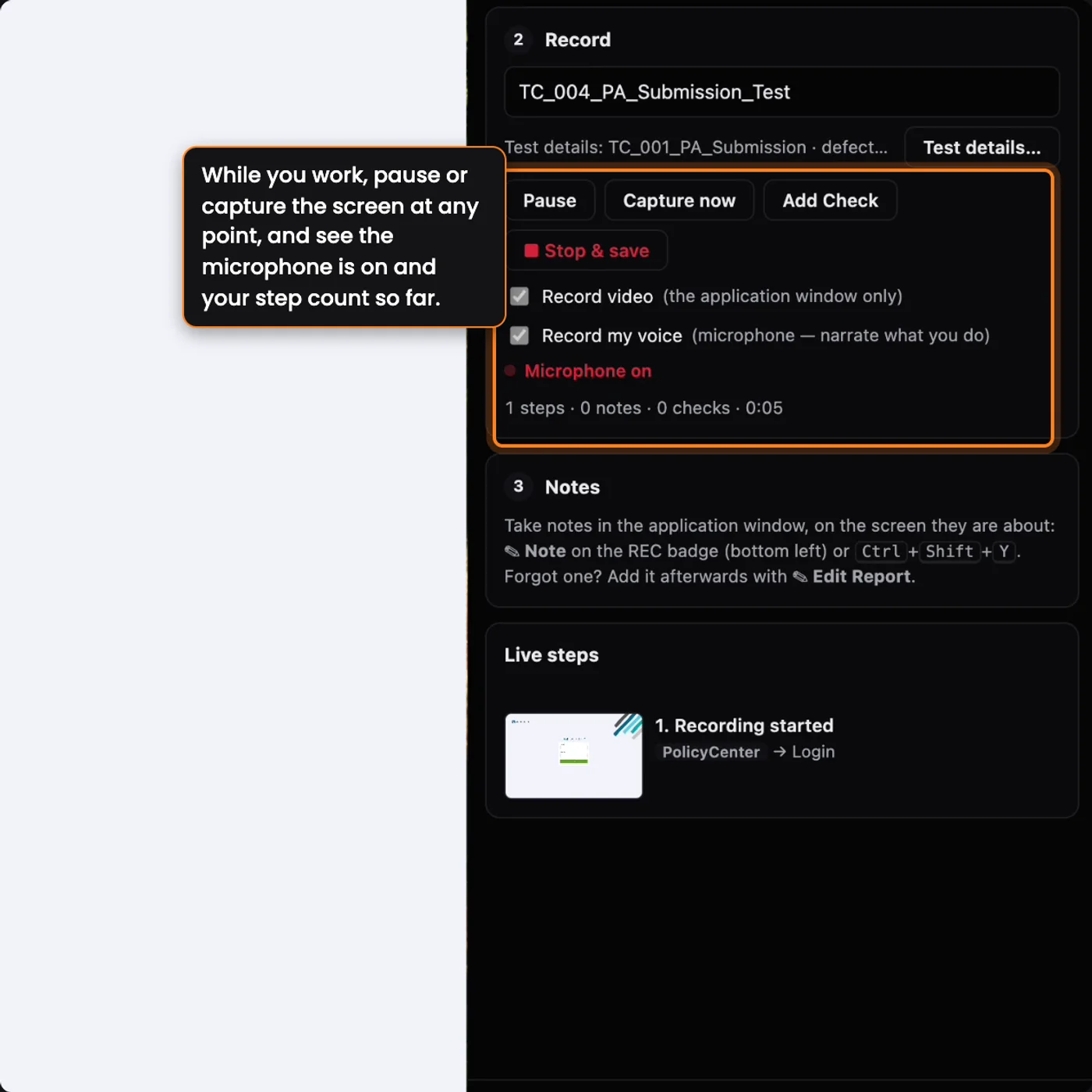
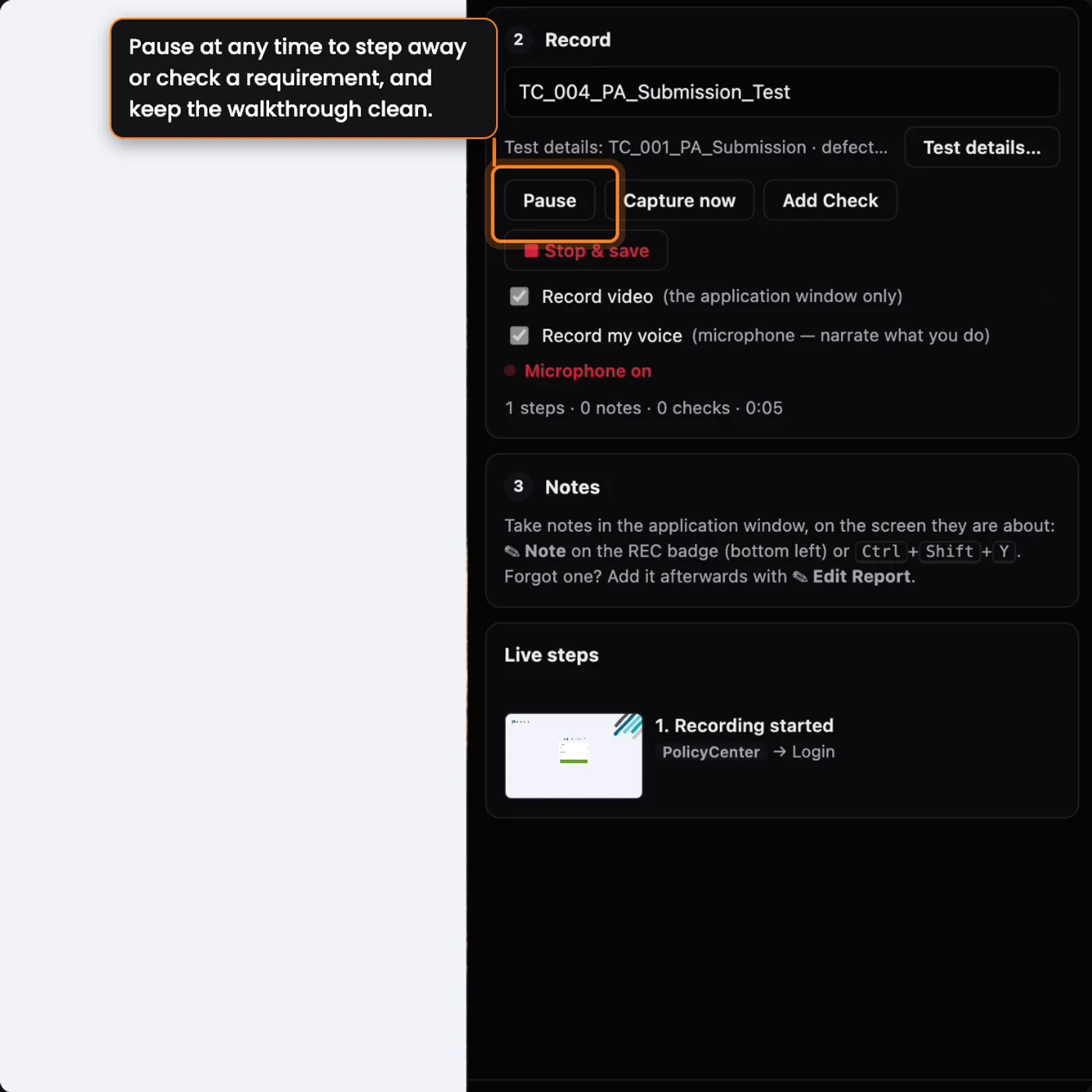
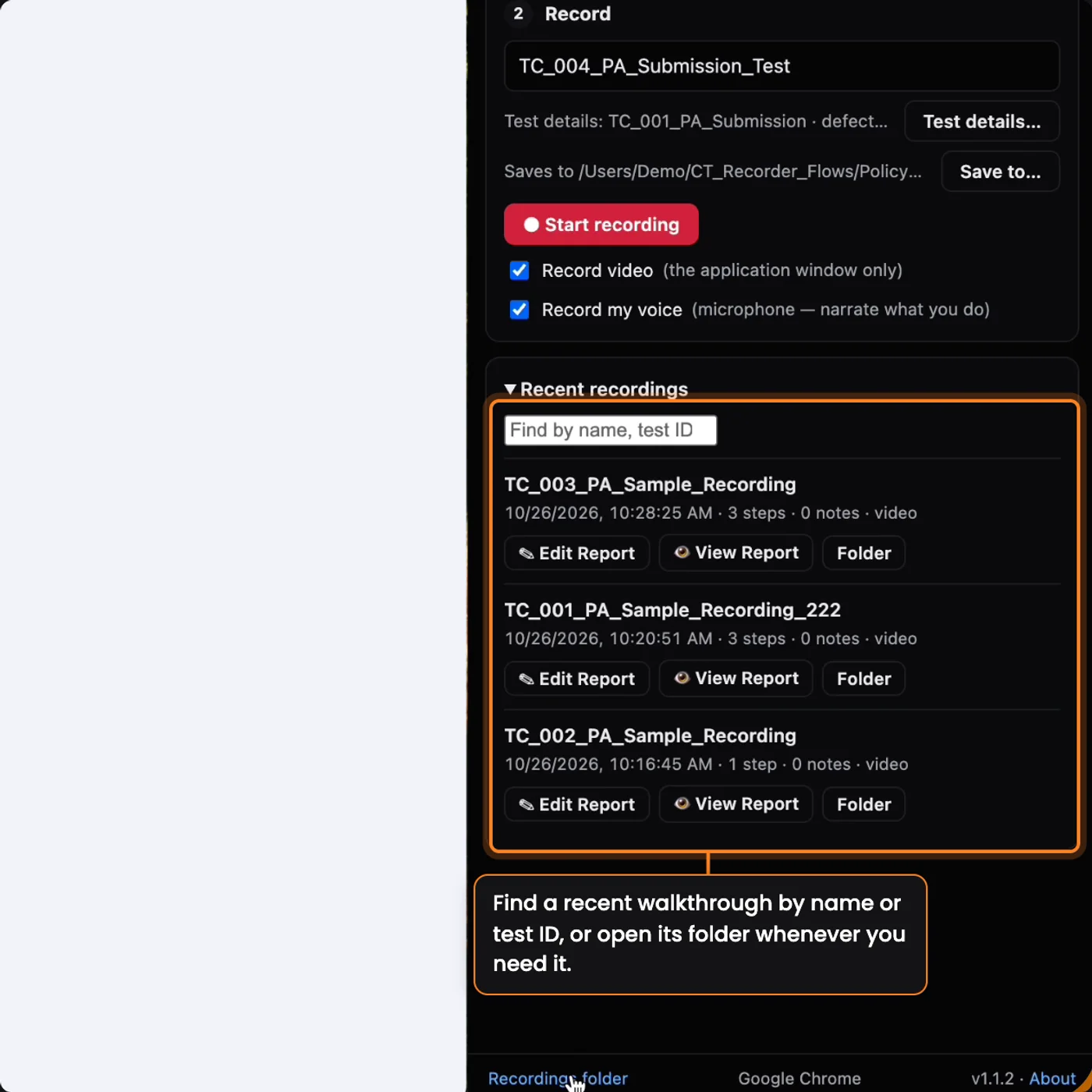
The Test details panel in CenterTest Recorder holds a test case ID, a description of the purpose, prerequisites, the expected outcome, feature and defect IDs, Jira or DevOps links, and tags. Every field is optional, and you can fill them in before you start or after you stop.
Prerequisites can be anything the flow depends on: data, user settings, environments, a particular code deployment, or another flow. The expected outcome says what done looks like, such as a policy that binds and shows correctly in PolicyCenter.